


 +370 5 210 70 50



JUDU App

Everything You Need to Get Around Vilnius
A new, smarter urban mobility app is here, bringing together public transport and parking in one place.
From now on, public transport and parking services are available in a single app!




Public Transport
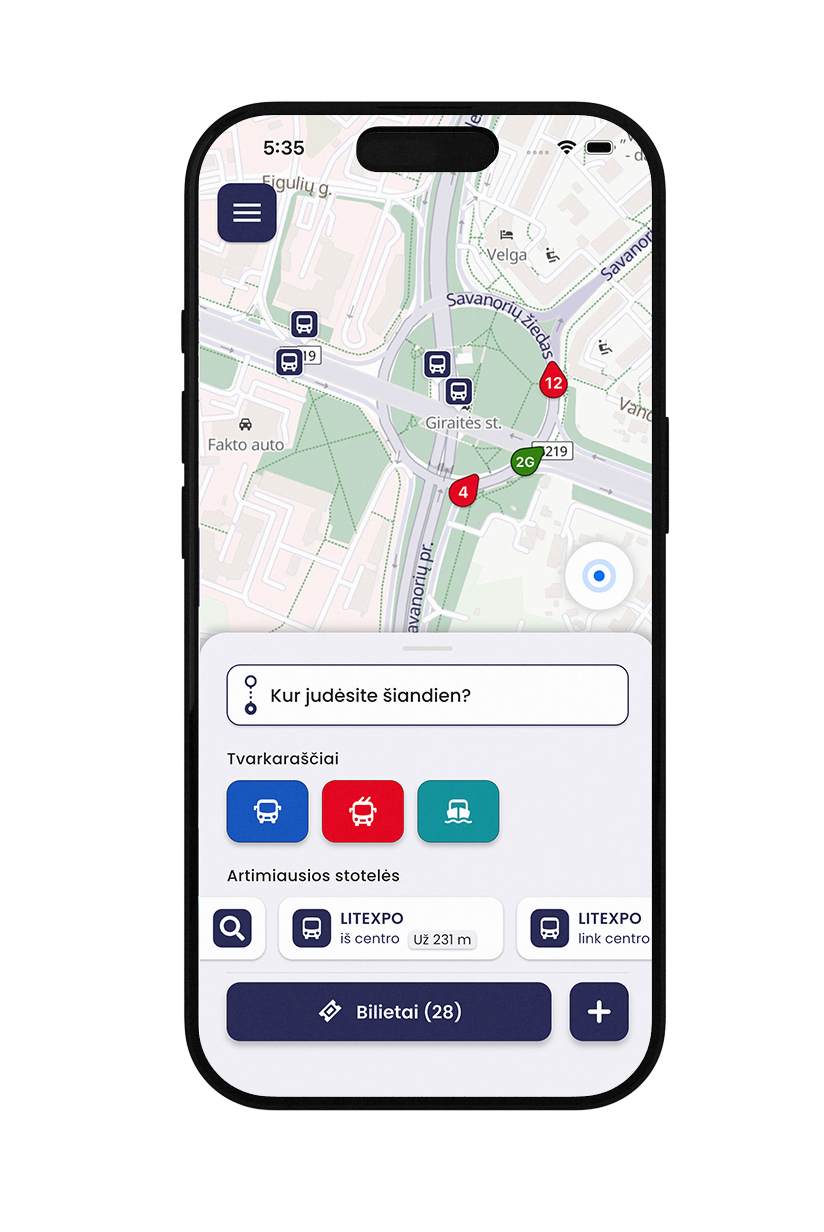
- Plan Your Trips in Real Time
Track public transport on the map and choose the best route. - Buy Tickets in Seconds
Purchase and activate your ticket with just a few taps. - Buy Only the Tickets You Need
No minimum purchase required – buy and activate exactly the number of tickets you need for your journey.

Parking
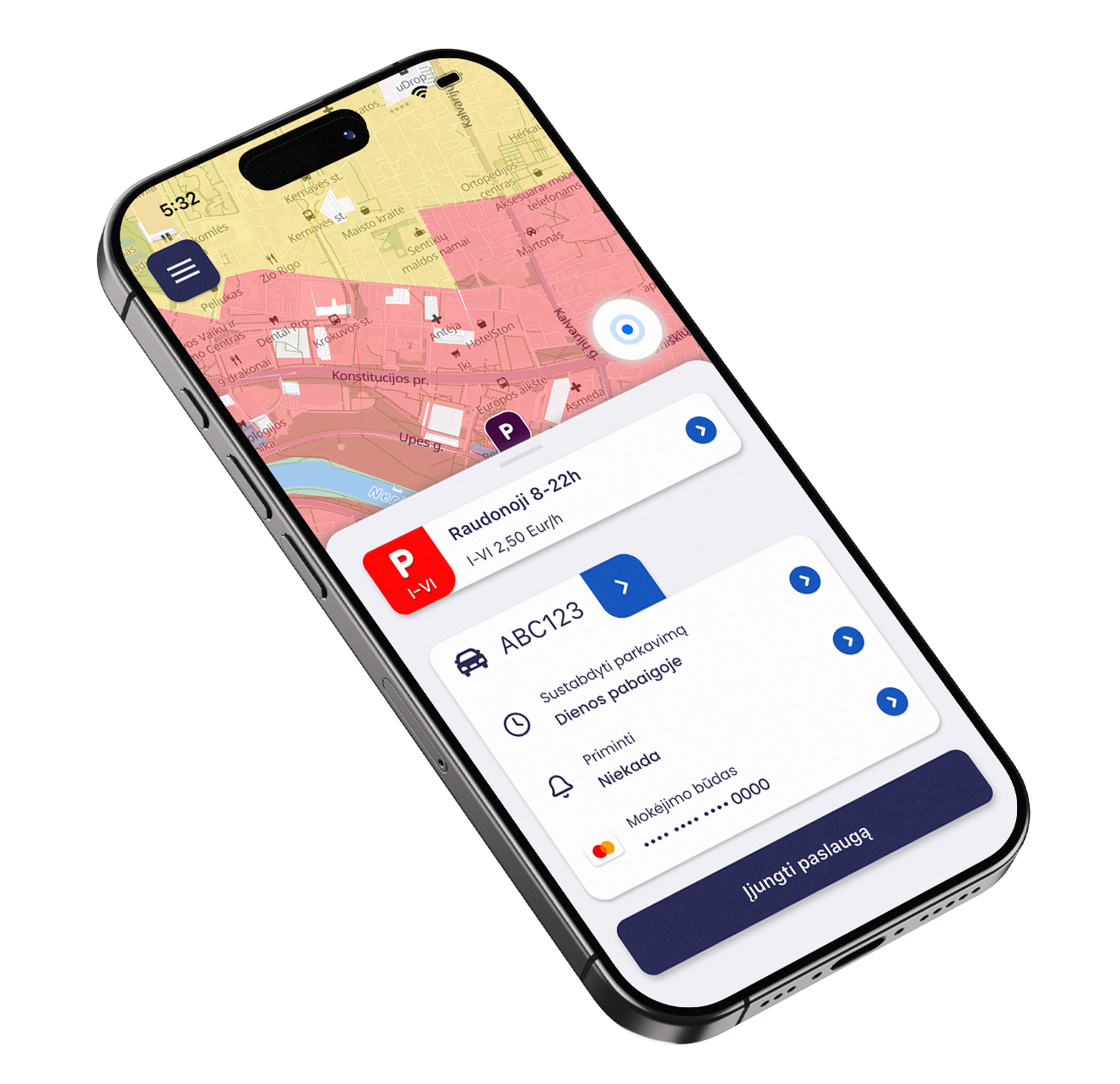
- Manage Your Parking
Start and stop your parking session anytime. - Parking Reminders
Get reminders before your parking session ends and avoid unnecessary charges. - Park Without Extra Fees
Find the nearest parking spot and park conveniently throughout the city.

App
- Public Transport and Parking in One App with JUDU
Manage all your city mobility services conveniently in one place. - Plan Your Trips with Confidence
Receive real-time updates on schedule changes and traffic disruptions. - Fast and Easy Payments
Pay for public transport and parking using your preferred payment method.
Link your accounts
If you’ve used the m.Ticket, Trafi, or m.Parking apps, link your accounts to the new JUDU app.
Once you’ve linked your accounts, you’ll be able to view your valid tickets, travel history, and service history in JUDU app.
Why should you link your accounts?
● View information from all your linked accounts in one JUDU account;
● View your valid public transport tickets;
● See your ticket and service usage and payment history;
● Unlink or relink your accounts at any time from your profile.
Important. Once your accounts are linked, you’ll be able to access your tickets across all linked apps.
How to link your accounts
You can link your accounts:
● during registration, on the first screens of the JUDU app;
● or later, once you’re logged in to your JUDU account.
Never used m.Ticket, Trafi, or m.Parking before?
If you haven’t used m.Ticket, Trafi, or m.Parking before, simply create a new JUDU account and start exploring Vilnius.
Everything You Need to Get Around Vilnius
From now on, public transport and parking services are available in a single app!

Public Transport
- Plan Your Trips in Real Time
Track public transport on the map and choose the best route. - Buy Tickets in Seconds
Purchase and activate your ticket with just a few taps. - Buy Only the Tickets You Need
No minimum purchase required – buy and activate exactly the number of tickets you need for your journey.
Parking
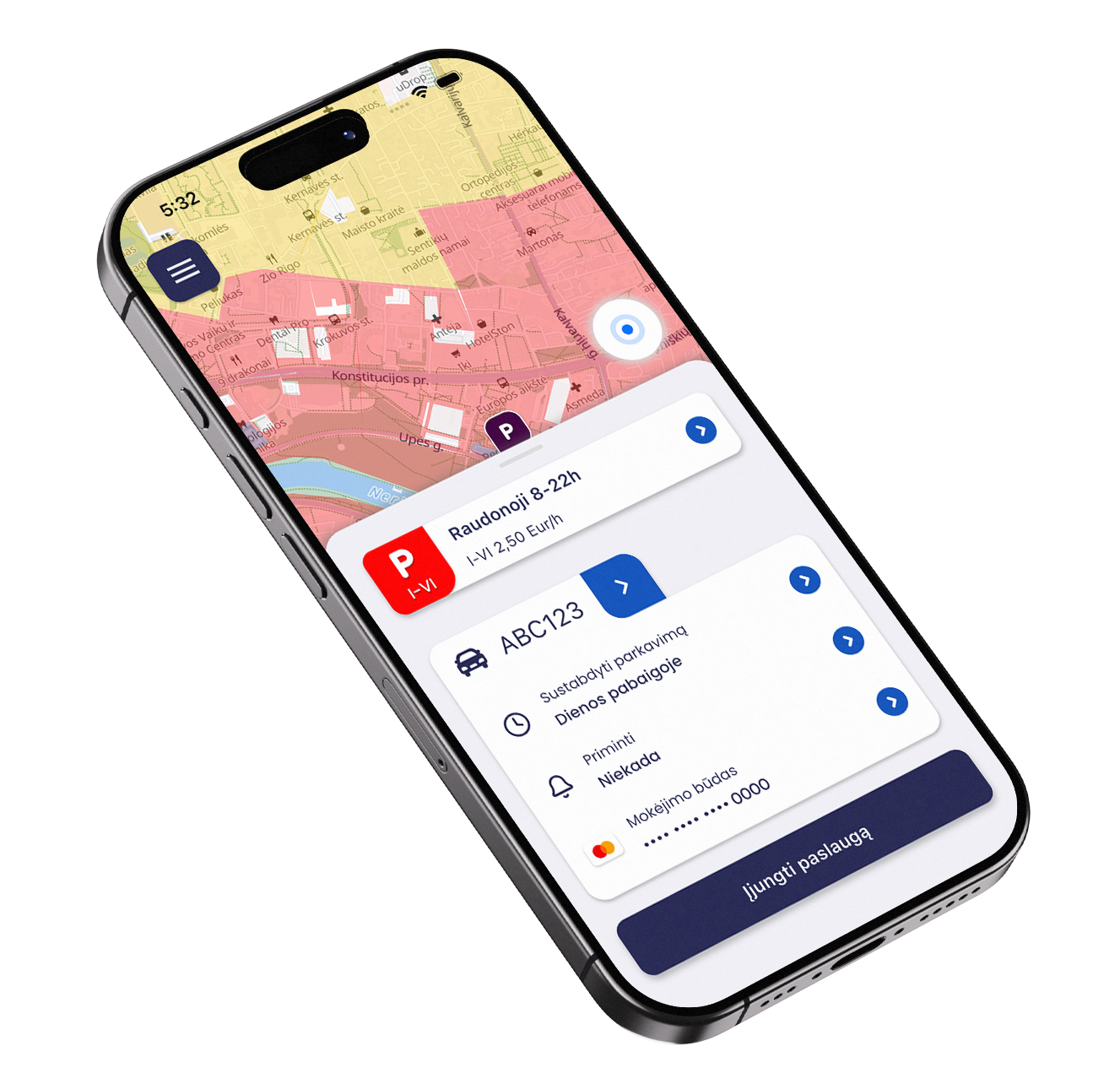
- Manage Your Parking
Start and stop your parking session anytime. - Parking Reminders
Get reminders before your parking session ends and avoid unnecessary charges. - Park Without Extra Fees
Find the nearest parking spot and park conveniently throughout the city.
App
- Public Transport and Parking in One App with JUDU
Manage all your city mobility services conveniently in one place. - Plan Your Trips with Confidence
Receive real-time updates on schedule changes and traffic disruptions. - Fast and Easy Payments
Pay for public transport and parking using your preferred payment method.
Link your accounts
If you’ve used the m.Ticket, Trafi, or m.Parking apps, link your accounts to the new JUDU app.
Once you’ve linked your accounts, you’ll be able to view your valid tickets, travel history, and service history in JUDU app.
Why should you link your accounts?
● View information from all your linked accounts in one JUDU account;
● View your valid public transport tickets;
● See your ticket and service usage and payment history;
● Unlink or relink your accounts at any time from your profile.
Important. Once your accounts are linked, you’ll be able to access your tickets across all linked apps.
How to link your accounts
You can link your accounts:
● during registration, on the first screens of the JUDU app;
● or later, once you’re logged in to your JUDU account.
Never used m.Ticket, Trafi, or m.Parking before?
If you haven’t used m.Ticket, Trafi, or m.Parking before, simply create a new JUDU account and start exploring Vilnius.
Frequently Asked Questions
On the app’s main screen, tap “Sign up”, select the account type (physical or legal person) and enter the required information to create your JUDU account.
Once registration is complete, confirm your account by clicking the verification link in the email sent to the address provided during registration.
Important: If you already have an active account on the JUDU self-service portal, simply sign in to the app using your existing login details.
On the app’s main screen, sign in to your account using the email address and password you provided during registration.
If you run into any issues, we recommend that you:
•make sure your device has an active internet connection
•use the password reset feature
If the problem persists, please contact the JUDU customer service team:
+370 5 210 70 50
[email protected]
The JUDU app lets you buy and manage public transport tickets in Vilnius, plan your routes and pay for parking.
The app is available in Lithuanian and English.