


 +370 5 210 70 50



JUDU / Vilniečio card
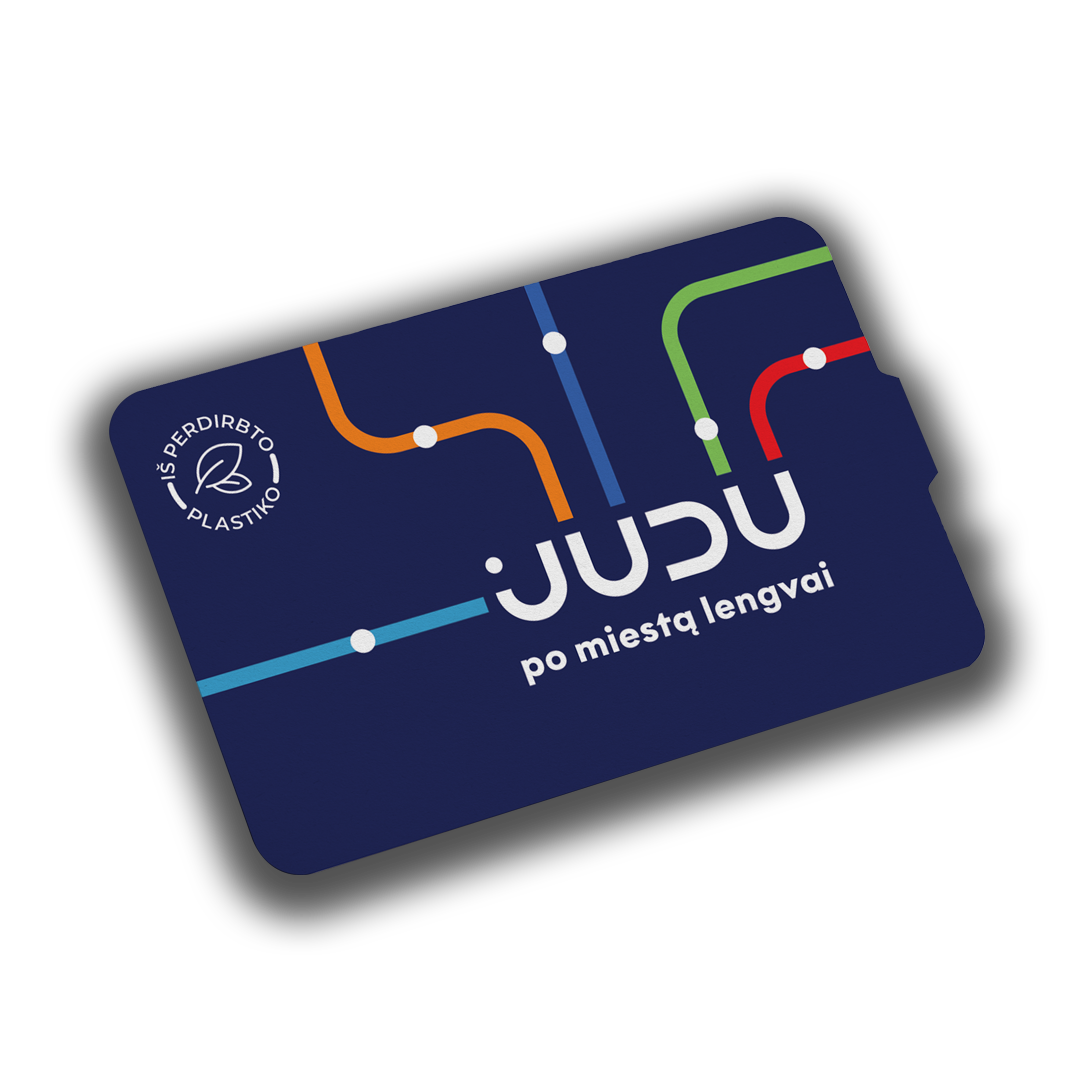
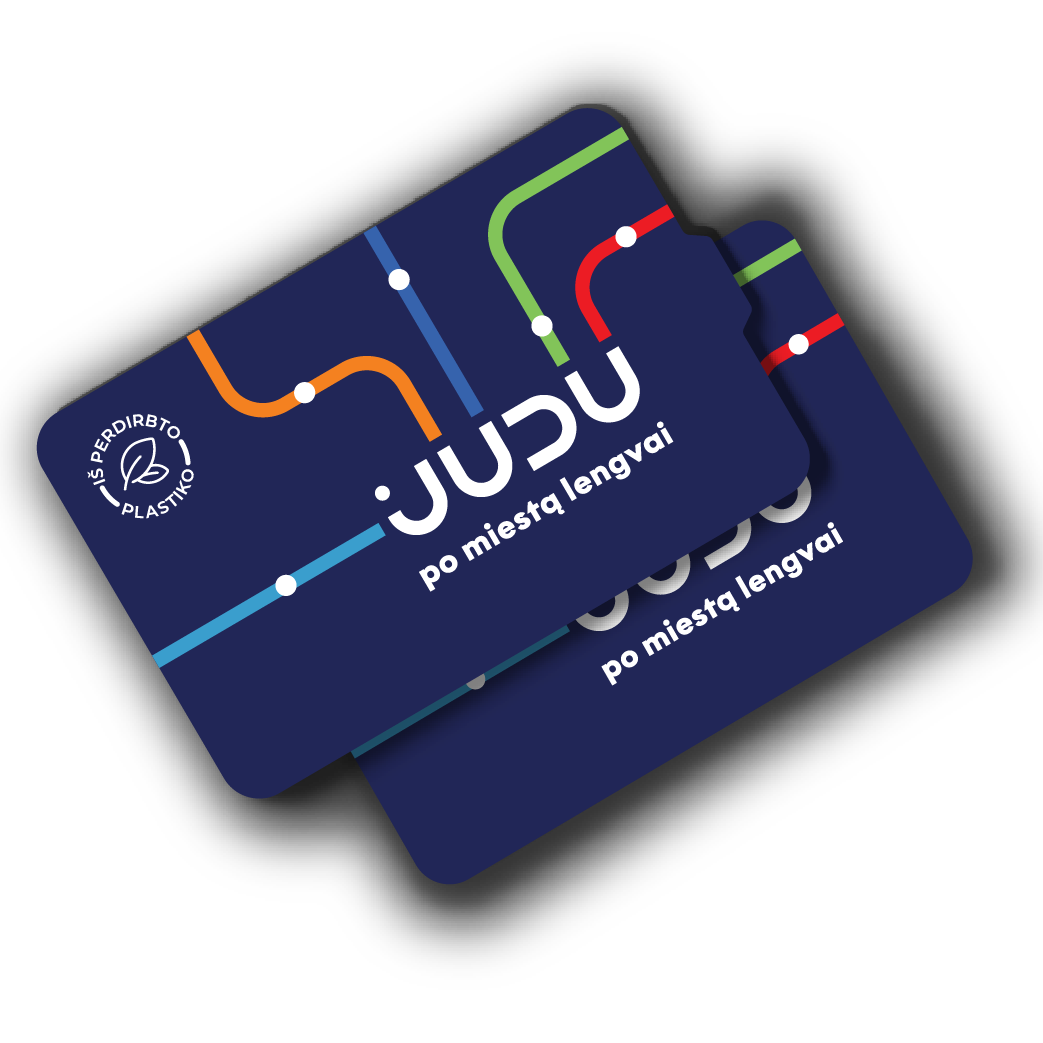
A JUDU card is a card that integrates the selected public transport tickets. The JUDU card is valid on all public transport routes in the capital – when traveling by bus, trolleybus, express bus, boat and night bus. Keep your JUDU card number safe – you will need it in case you lose your card.
Where to top up a JUDU card?

JUDU self-service
At the self-service terminal, you can only top up your existing JUDU (Vilniečio) card.

Customer service centers
JUDU (Vilniečio) card can be purchased and topped up at all JUDU customer service centers.


„Narvesen“ and „Lietuvos spauda“
JUDU (Vilniečio) cards can be purchased and topped up at Narvesen and Lietuvos spauda retail places.
How to top up a JUDU card?
When topping up your card, hand it to the salesperson and specify the type of ticket you want to top up your card with. If you are entitled to a discount, please inform about that before purchasing your ticket. When traveling on public transport, you must have a JUDU card with an activated or valid electronic ticket with you. And when using a discounted ticket, you must also have a document confirming your right to a transport discount.
The JUDU card costs €1.50.
How to use the card on public transport?
On the JUDU card, the ticket is activated by touching the card to the ticket validator (below the screen) in the vehicle, selecting the ticket you want to activate on the screen (if there is more than one type of ticket on the card) and tapping the card again on the ticket validator screen. Important: when selecting a ticket, do not hold the card against the ticket validator. When you hear a beep and see information about the ticket’s validity period on the ticket validator screen, the ticket has been successfully activated.
After activating the ticket for your journey, you can purchase an additional 30- or 60-minute ticket(s) (for example, for your fellow passenger(s)) on the ticket validator screen. When the JUDU card is re-tapped on the ticket validator, the card balance is displayed on the screen. After selecting an additional ticket, it is activated by tapping the card again on the ticket validator screen. The ticket validity period begins to run once the ticket is activated. Each time the card is tapped on the ticket validator, the ticket validity duration and other important information is displayed on it.
Plan your trip

Ticket types & prices
Choose the most convenient way to get around the city – explore all types of Vilnius public transport tickets and prices
Discounts and concessions
Use the discounts and concessions you’re eligible for and travel around Vilnius by public transport for less
Routes and timetables
Discover the most convenient public transport routes and schedules
Digital bus stop display
Monitor public transport movements in real time on a virtual display board
Frequently asked questions
You can top up your JUDU/Vilniečio (Vilnius resident) card with both 30-minute and 60-minute tickets at the ticket distribution places and the self-service desk.
If your trip requires both 30-minute and 60-minute tickets, you can top up the card with the desired amount of short-term tickets and choose which ticket you want to activate – just touch your JUDU/Vilniečio (Vilnius resident) card to the validator, choose the ticket to activate and touch your card again. Both 30-minute and 60-minute tickets can also be purchased via the "m.Ticket" app.
The purchased JUDU/Vilniečio (Vilnius resident) card is non-refundable.
With one physical card, you can only purchase one 60-minute ticket. However, by tapping a physical bank card and then tapping a mobile device with the same bank card in the Google Pay or Apple Pay wallet, two separate tickets will be activated.